FAQ
Find answers to commonly asked questions about our Canva templates, purchases, and downloads
General Questions
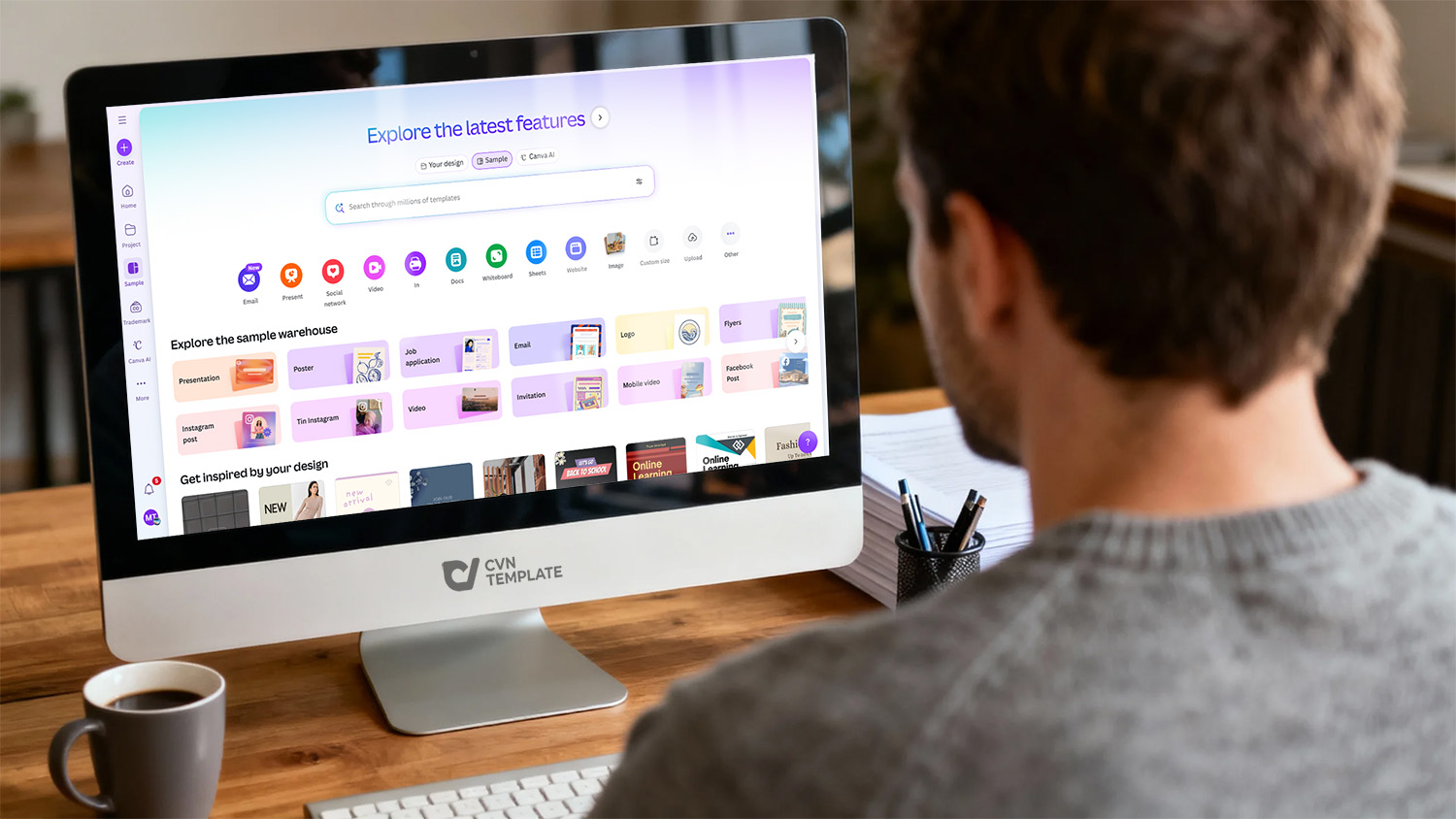
Canva templates are pre-designed layouts created by professional designers that you can customize using Canva's easy-to-use online design platform. When you purchase a template from our store, you receive a direct link to access the design in Canva. You can then edit text, change colors, add images, adjust layouts, and make any modifications to suit your needs – all without requiring design software or advanced skills.
Our templates include designs for posters, social media graphics, YouTube thumbnails, resumes, flyers, mockups, presentations, and many other creative projects. Each template is fully editable and ready to use immediately after purchase.
Yes, you need a Canva account (free or paid) to access and edit the templates. If you don't have an account, you can sign up for free at www.canva.com. Most of our templates work perfectly with Canva's free version, though some advanced features may require Canva Pro.
We always specify if a template requires Canva Pro in the product description. However, even Pro-required templates can be edited with a free account, though some premium elements might need to be replaced with free alternatives.
While Canva offers thousands of templates, our professionally curated collection provides unique, trend-focused designs specifically crafted for entrepreneurs, marketers, and creative professionals. Our templates feature:
- Exclusive designs not available in Canva's public library
- Professional typography and color combinations
- Marketing-optimized layouts designed to convert
- Cohesive design systems for brand consistency
- Regular updates based on current design trends
- Carefully tested for various use cases and platforms
Purchasing & Payment
Purchasing a template is simple:
- Browse our template collection and find designs you love
- Click "Add to Cart" on any template you wish to purchase
- Review your cart and click "Proceed to Checkout"
- Complete your payment securely through PayPal
- Instantly receive your template access link via email and on your order confirmation page
The entire process takes just a few minutes, and you'll have immediate access to start customizing your templates.
We process all payments securely through PayPal, which accepts:
- PayPal balance
- Credit cards (Visa, Mastercard, American Express, Discover)
- Debit cards
- Bank accounts (in supported countries)
You don't need a PayPal account to complete your purchase – you can check out as a guest using your credit or debit card. PayPal provides secure transaction processing and buyer protection for your peace of mind.
Absolutely! We take payment security very seriously. All transactions are processed through PayPal's secure payment gateway, which is certified to PCI Service Provider Level 1 – the highest level of security in the payment industry. We never store or have access to your credit card information. Your financial data is encrypted and protected by PayPal's industry-leading security measures.
Yes! We offer bundle packages that provide significant savings when you purchase multiple templates together. Keep an eye on our shop for:
- Template bundles (collections of themed templates at discounted prices)
- Seasonal promotions and special offers
- Newsletter subscriber exclusive discounts
- Holiday sales events
For bulk purchases or enterprise needs, please contact our support team to discuss custom pricing options.
Access & Download
Immediately after completing your purchase, you'll receive:
- Email confirmation: An email with your template access link(s) will be sent to the email address you provided during checkout
- Order confirmation page: Your template links are displayed on the order confirmation page
- Account dashboard: Log in to your account and access all your purchased templates from your order history
Simply click any template link to open it directly in Canva and start editing. Make sure to save the links or bookmark them in your browser for easy future access.
If you haven't received your template link:
- Check your spam/junk folder: Sometimes emails are filtered incorrectly
- Verify your email address: Make sure you entered the correct email during checkout
- Check your account: Log in to view your order history and access template links
- Wait a few minutes: Delivery is typically instant, but occasional delays of 5-10 minutes can occur
- Contact support: If you still can't access your templates after 15 minutes, contact us with your order number
We're here to help and will ensure you get your templates as quickly as possible.
Yes! Once you've customized your template in Canva, you can download it in multiple formats including:
- PNG: High-quality images with transparent backgrounds (Pro feature)
- JPG: Standard image format, great for photos and graphics
- PDF: Perfect for print materials and documents
- PDF Print: High-resolution for professional printing
- MP4/GIF: For animated designs (Pro feature)
- SVG: Scalable vector format (Pro feature for some elements)
Canva's free version supports JPG and standard PDF downloads, which is sufficient for most projects.
Absolutely! Since Canva is a cloud-based platform, you can access your purchased templates from any device with internet access – desktop computer, laptop, tablet, or smartphone. Your template links work across all devices, and any changes you make are automatically synced through your Canva account. This means you can start editing on your computer and continue on your phone or tablet seamlessly.
Usage & Licensing
Our templates come with an extended commercial license, which means you can:
- Customize templates for personal or commercial projects
- Use designs for your business, clients, or marketing campaigns
- Create unlimited end products from each template
- Print designs for physical products or marketing materials
- Use on social media, websites, blogs, and digital platforms
- Modify, edit, and adapt the templates as needed
For complete licensing details, please review our Licensing & Usage page.
Yes! Our commercial license allows you to use purchased templates to create designs for your clients. Whether you're a freelancer, agency, or business owner, you can customize our templates for client projects, charge for your design services, and deliver professional results. The only restriction is that you cannot resell or redistribute the templates themselves – but finished designs created from the templates are yours to use commercially.
No, template links are for personal use only and should not be shared. Each purchase grants a license to one individual or business entity. Sharing template links violates our terms of service and copyright protections. If you're working with a team or multiple users need access, please purchase additional licenses or contact us about team licensing options. Protecting our designers' work ensures we can continue offering high-quality templates at affordable prices.
Technical Support
Customizing templates in Canva is intuitive and beginner-friendly:
- Click your template link to open it in Canva
- Click on any text element to edit the content
- Select design elements to change colors, sizes, or positions
- Upload your own images or choose from Canva's library
- Use the toolbar to adjust fonts, effects, and styling
- Save your work (Canva auto-saves as you edit)
- Download your finished design in your preferred format
Canva also offers helpful tutorials and a comprehensive help center if you need additional guidance.
If you experience technical issues with a template:
- Template doesn't open: Try clearing your browser cache or using a different browser
- Missing elements: Some elements may require Canva Pro – check if you can replace them with free alternatives
- Template link broken: Contact our support team with your order number for a replacement link
- Canva-specific issues: Reach out to Canva's support team for platform-related problems
For any issues specifically related to our templates, our support team is ready to help. Contact us through our contact page.
Due to the digital nature of our products (you receive immediate access to templates), we generally cannot offer refunds once template links have been delivered. However, we want you to be satisfied with your purchase. If you experience technical issues preventing access to your templates, or if a template significantly differs from its description, please contact us within 7 days of purchase. We'll work with you to resolve the issue, which may include a refund, store credit, or template replacement on a case-by-case basis.
To minimize purchase uncertainty, we provide detailed preview images and descriptions for all templates. We encourage you to review these carefully before purchasing.
Still Have Questions?
Can't find the answer you're looking for? Our support team is here to help!
Contact Support